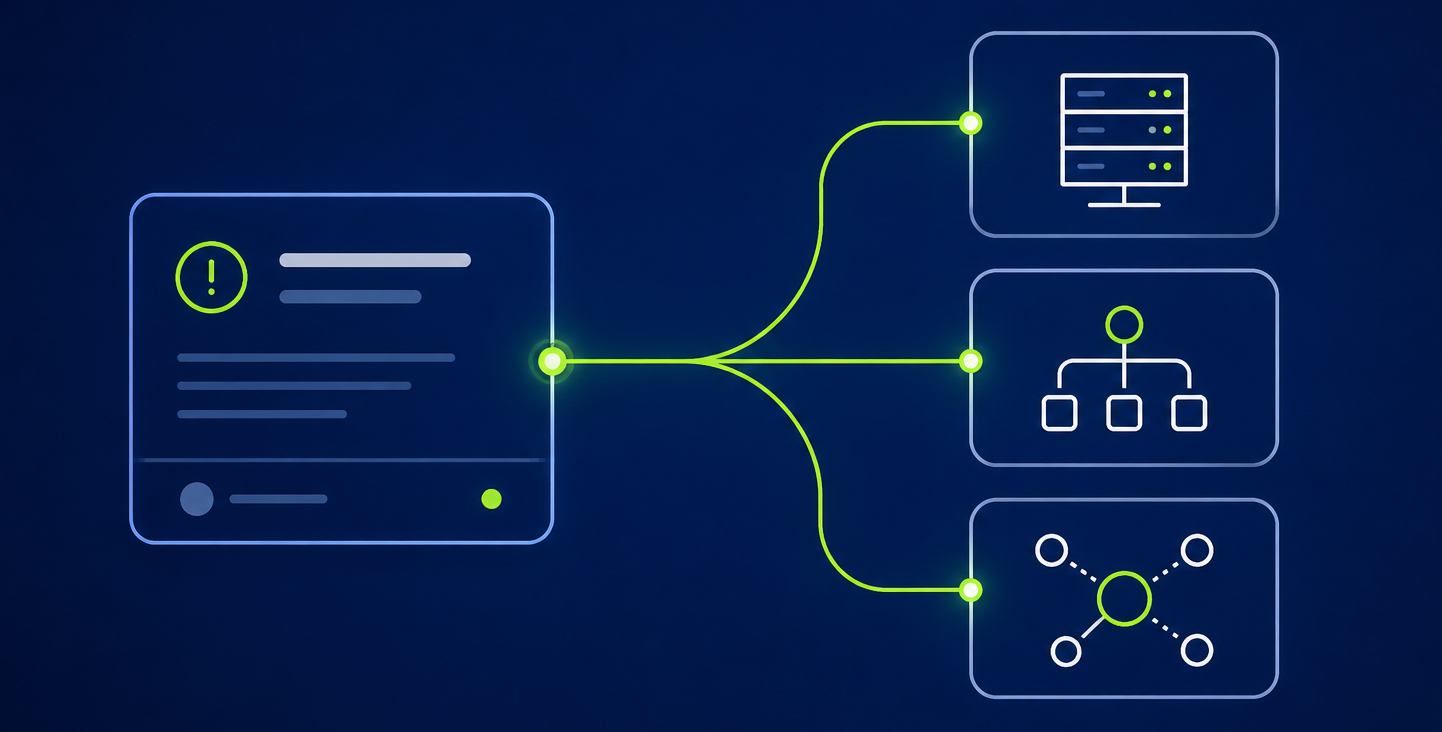
Challenges
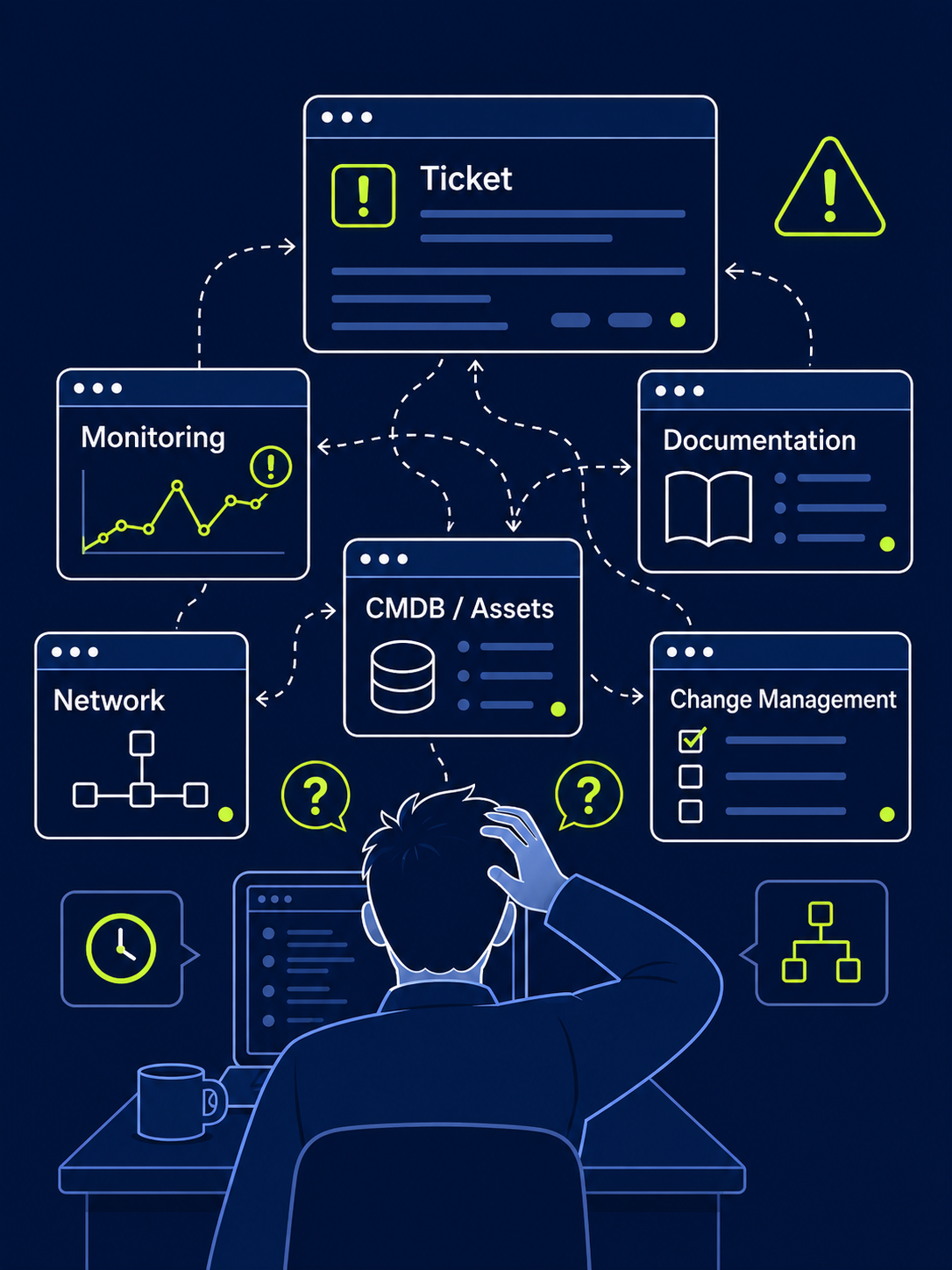
A ticket comes in and before you can even start working on it, you’re already switching between tools.
- You get a ticket, but still do not know which device, connection or service is affected or how the issue relates to the infrastructure.
- You switch between Ticketing Platform and your documentation just to piece together the infrastructure context.
- You can’t see which other services depend on the affected component – until something else breaks, too.
- Before approving a change, you are unsure which assets, services or dependencies it may affect and how high the risk is.
- You end up deciding based on incomplete information, because the full picture is spread across systems.
Key Benefits
Typical Use Cases
Jira Use Case
The Jira use case shows how tickets can be connected with infrastructure information in FNT Command. By linking Jira tickets with assets, services and dependencies, teams gain the visibility they need to analyze incidents faster, assess change impacts and keep ticket workflows aligned with infrastructure documentation.
How the Integration Works
- A ticket is created in Jira.
- The ticket is linked to the corresponding infrastructure object in FNT Command.
- Engineers can directly navigate from FNT Command to the related Jira ticket.
- Infrastructure relationships, dependencies and affected services are immediately available.
- Ticket history and infrastructure documentation remain synchronized and transparent.


Looking for another Ticketing System?
Our Integration Framework enables additional ticketing platforms and customer-specific integrations.


